Managing Notifications
Managing Notifications
In the navigation menu, click Notification to open the notification management page. Users with administrator privileges can send a text message to all currently active OpenL Studio users and instances, or clear a previously sent notification.
To send a notification, enter the message text in the Message field and click Notify. A red bar with the notification text appears for all active users and OpenL Studio instances.
To remove the notification for all users and instances, click Clear.
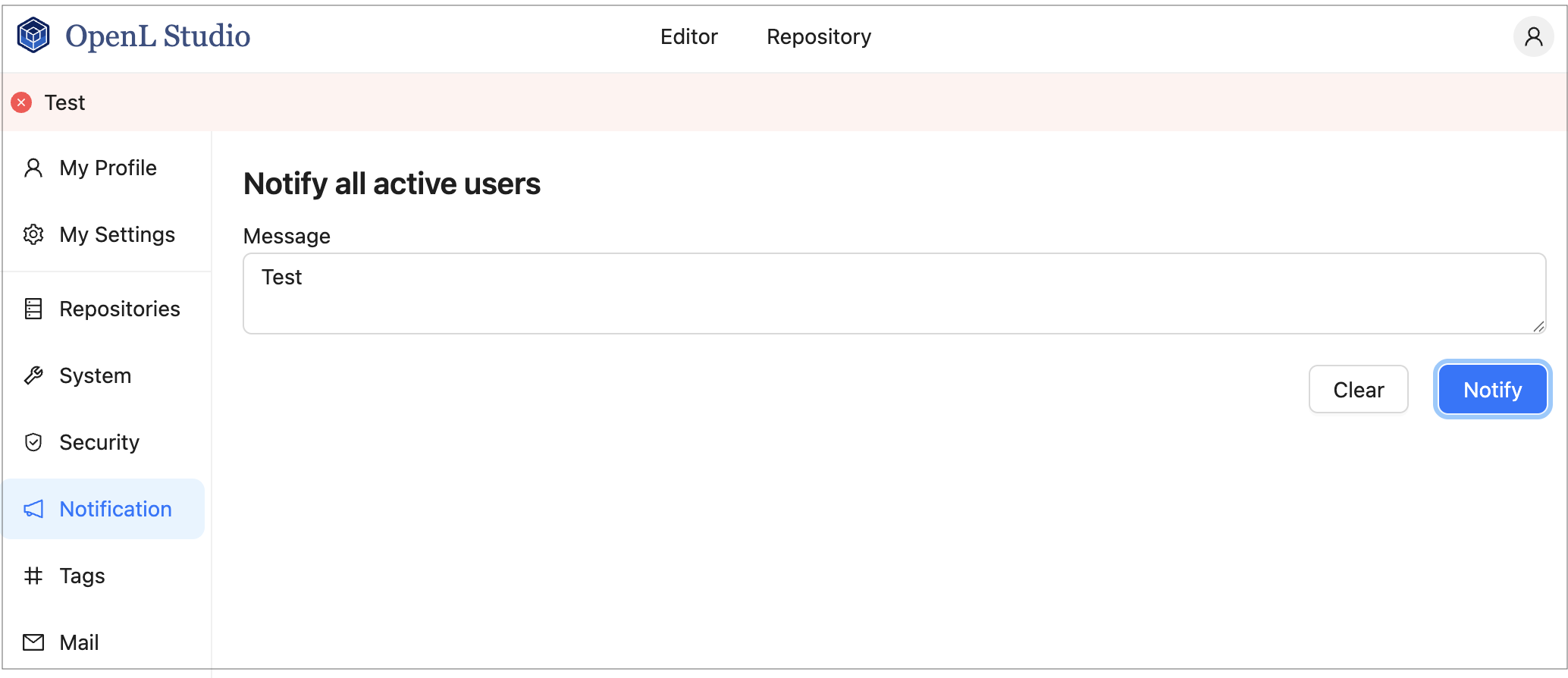
Red bar identifying a notification sent to all active users and instances