Using Administration Tools
Using Administration Tools
This section explains how to view and control OpenL Studio system settings and manage user information in the system.
To access administration tools, click the user icon in the top-right corner and select Administration from the menu.
The administration area is organized as a left-side navigation menu. The available items depend on the user’s permissions: all users can access their personal settings, while administration sections are visible only to users with administration privileges.
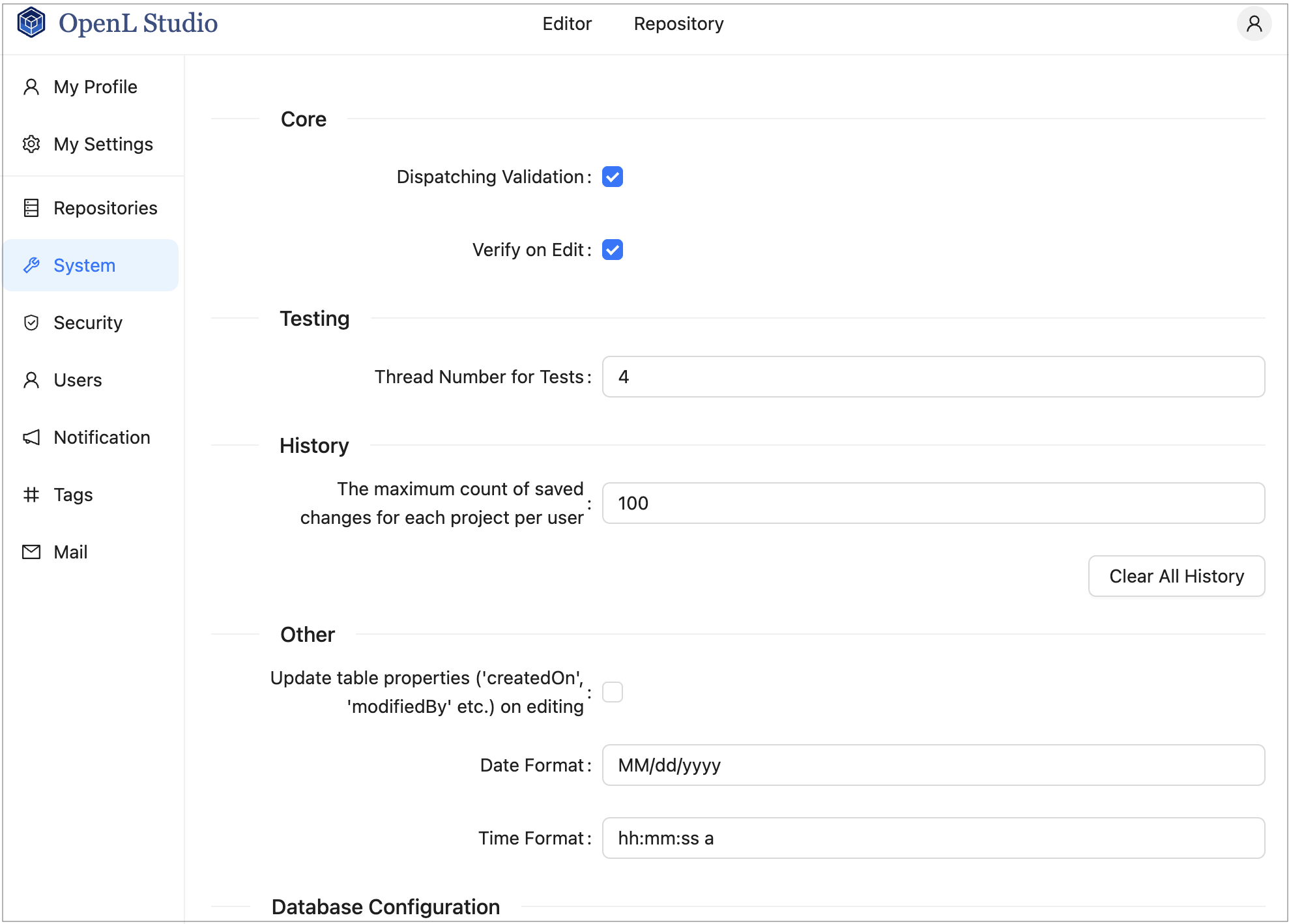
OpenL Studio administration
Normally, the default settings are recommended, but users with appropriate permissions can change them as required. After making changes in a section, click Apply to save and reload the page. To restore all settings to their original values, in the System section, click the Restore Defaults and Restart button.
The following topics are included: